
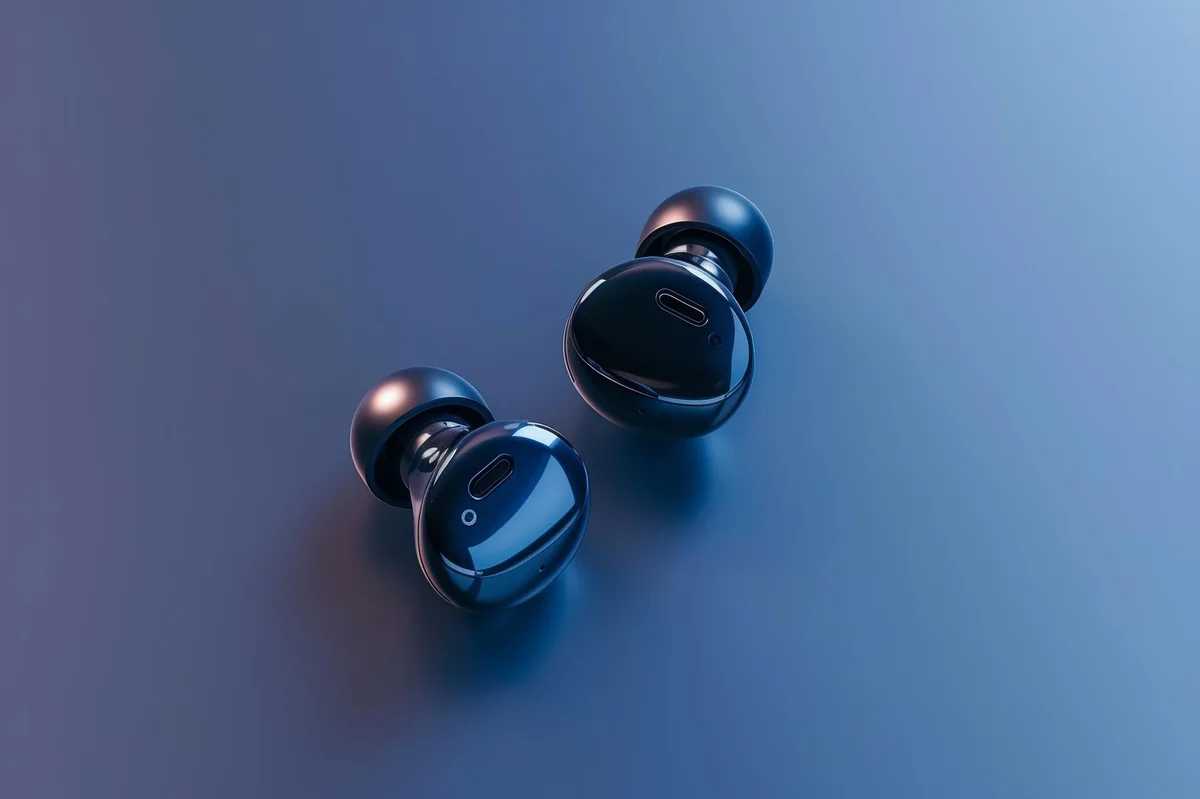
What “Low Latency” Actually Means in TWS Earbuds (And Why Wholesale Buyers Get Burned)
Latency is one of those specs that sounds simple until you actually try to explain it to someone — and then you realize how much nuance the marketing glosses over. In the context of low latency TWS earbuds wholesale sourcing, it matters more than most buyers think, and the confusion around it costs real money.
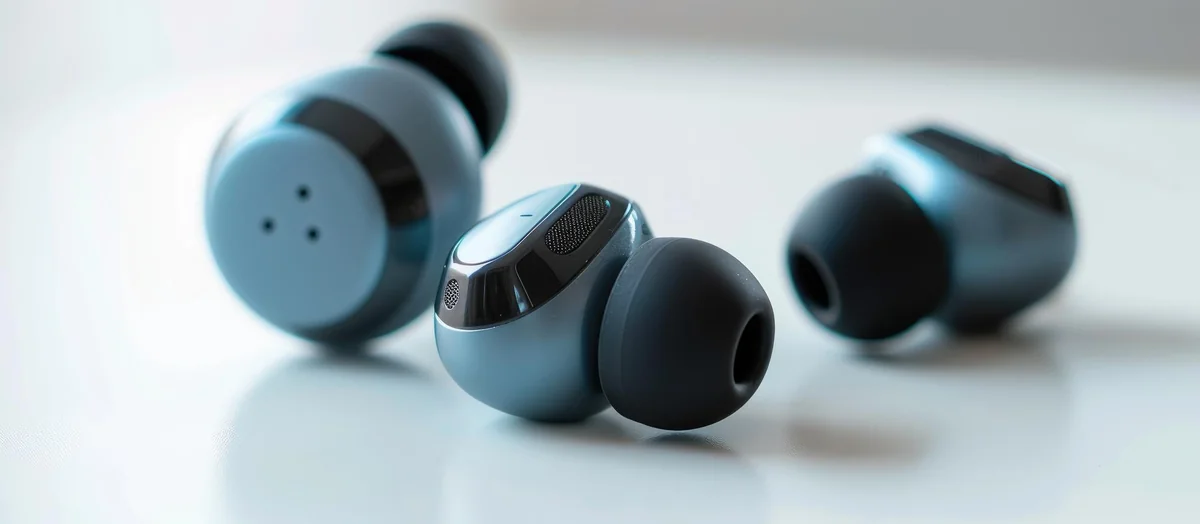
Here’s the short version: audio latency is the delay between a sound being produced at the source and you actually hearing it in your ears. Simple enough. But the number printed on a spec sheet — say, “40ms latency” — rarely tells you the full story. That figure usually refers to the codec transmission delay only. It ignores processing delay on the device side, Bluetooth stack overhead, and the decoding time inside the earbud itself. Add those together and your real-world latency can be 2x to 3x what the box claims.
So wholesale buyers get burned in a very specific way. They order a batch of earbuds marketed as “gaming-grade” or “ultra-low latency,” distribute them to retail partners, and then deal with the returns when customers notice lip-sync drift while watching videos or that slightly-off feel during mobile gaming. Not catastrophic. Just bad enough to kill repeat business.
The codecs matter enormously here. Standard SBC (the Bluetooth default) runs around 150–220ms of total latency — noticeably laggy. aptX Low Latency targets sub-40ms. AAC sits somewhere in between, and its performance varies wildly depending on the receiving device (iPhones handle it better than most Android phones, for what it’s worth). Earbuds that use proprietary low-latency game modes — a separate transmission protocol entirely — can hit 40ms or below in controlled conditions, though real-world use is messier.
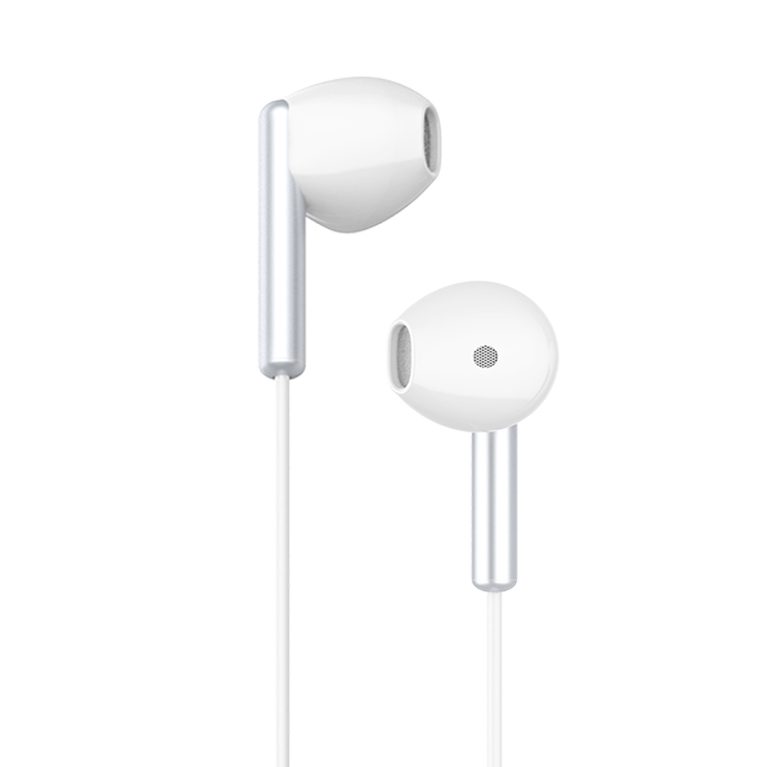
This is exactly where brands like Celebrat earn their credibility. Products like the Celebrat SP-31 & SP-32 professional outdoor earbuds are built with dedicated game modes that actually reduce latency at the hardware level, not just on paper. And when you’re browsing Heat-fighting Products wholesale & Hot selling category pages on celebrat.com, you’ll notice the latency specs come with mode-specific breakdowns — not a single vague number.
TWS Earbuds with high cost-effectiveness in this segment don’t mean cheap. They mean the spec is real, the mode works, and the return rate stays low. That distinction — between marketed latency and delivered latency — is where informed wholesale buyers separate themselves from the ones who learn the hard way.
The Spec Sheet Lies: How to Read Low Latency TWS Earbud Claims Like a Pro
OK so here’s the thing nobody tells you before you start sourcing low latency TWS earbuds wholesale: a spec sheet is a marketing document first and a technical document second. That ordering matters — a lot.

The number you need to watch is not the headline latency figure. It’s the mode-conditional latency — meaning, what codec is active, what device is paired, and is the game mode manually enabled or does it kick in automatically? Most listings bury this. Some skip it entirely. You’ll see “20ms latency” printed in bold, and somewhere in the fine print it’ll say “under optimal conditions” — which is doing a tremendous amount of heavy lifting as a disclaimer.
Here’s a practical cheat sheet for reading these claims without getting burned:
- If no codec is specified alongside the latency number, assume the figure is best-case and not typical.
- Latency below 40ms is only meaningful if the earbuds have a dedicated game mode chip — not just a software toggle.
- Ask whether the quoted figure is end-to-end (mic to speaker) or one-way audio only. One-way sounds better. Isn’t the full picture.
- Check if the spec applies to both earbuds simultaneously or just the primary bud. Dual-channel latency is harder to achieve.
- Real-world testing on a mid-range Android device is a better benchmark than testing on the manufacturer’s own paired phone.
Brands that actually engineer for low latency — Celebrat being a consistent example in this category — tend to publish mode-specific breakdowns rather than a single number. The Celebrat SP-31 & SP-32 professional outdoor earbuds do exactly this, which is why they keep showing up in Heat-fighting Products wholesale & Hot selling roundups. Transparency in specs isn’t altruism. It’s a signal that the engineering team had real numbers worth showing.
And if you’re cross-referencing products on celebrat.com, the wp content structure on product pages actually separates game-mode latency from standard playback latency — a small detail, but one that separates a credible listing from a padded one. TWS Earbuds with high cost-effectiveness in this segment earn that label by delivering on the exact spec that matters to the end user. Not a rounded-up approximation of it.
Read the sheet. Then read between the lines.
How to Verify Low Latency Performance Before Committing to a Wholesale Order
Specs on a product listing are promises. Whether those promises hold up is a completely different conversation — and in the low latency TWS earbuds wholesale space, that gap between claim and reality has burned more than a few buyers who skipped the verification step.

So here’s the practical reality: you need to test before you commit. Not skim a spec sheet. Actually test. The good news is there’s a repeatable way to do it that doesn’t require a lab or an acoustic engineer on payroll.
- Run a dedicated latency test app (AudioLatency or similar) on an Android device — iOS processes audio differently and can mask real-world latency numbers.
- Use a YouTube gaming clip or a fast-cut action scene. Your ears will catch sync drift faster than most measurement tools will at the 60–80ms threshold.
- Switch between standard mode and game mode mid-playback. If the transition is clunky or the claimed mode switch takes more than 2 seconds, that’s a red flag.
- Test at distance — move 5 to 6 meters from the source. Cheap Bluetooth implementations degrade latency under signal stress, and that degradation won’t show up in a controlled desk test.
- Check the wp content on the product page against what the physical unit actually delivers. Discrepancies between listed and measured performance are common with unverified suppliers.
Celebrat runs a 100% final-inspection protocol on its production line, which is part of why the Celebrat SP-31 & SP-32 professional outdoor earbuds show up consistently in Heat-fighting Products wholesale & Hot selling roundups — the units that arrive actually match what celebrat.com lists. That’s rarer than it should be.
And when you’re evaluating TWS Earbuds with high cost-effectiveness in this category, factor in the cost of returns. A defect rate above 2% on a latency-sensitive SKU isn’t just an inconvenience — it’s a margin problem. Under 0.8% is the benchmark worth holding suppliers to.
Request samples. Measure them yourself. Then decide.
What Real-World Testing Looks Like vs. Lab Numbers
Lab numbers lie. Not intentionally — but a 40ms latency spec measured in an anechoic chamber with a controlled Bluetooth source tells you almost nothing about what a pair of earbuds actually does during a mobile gaming session on a crowded subway platform with six competing 2.4GHz signals in the air.
So here’s what real-world testing actually looks like when you’re vetting low latency TWS earbuds wholesale: you run the earbuds through scenarios that matter. Gaming latency gets tested with a high-speed camera (filming the screen at 240fps while audio plays through the buds) — the frame-count gap between visual event and audible response is your real number. Streaming latency gets tested on YouTube, Netflix, and a local video file, because codec switching behaves differently across sources. And connection stability gets tested in motion, not sitting still at a desk.
The delta between spec sheet and real-world result is often 15–30ms. Sometimes more.
A table helps here. These are the categories worth logging during any structured sample evaluation:
| Test Scenario | What You’re Measuring | Acceptable Threshold |
|---|---|---|
| Mobile gaming (shooter/rhythm) | Audio-to-visual offset via high-speed camera | Under 60ms perceived |
| Streaming video (compressed content) | Lip-sync drift over a 10-minute session | No visible drift |
| Crowded RF environment | Dropout frequency and reconnect speed | Zero dropouts in 5-minute window |
| Codec negotiation | Latency shift when codec downgrades | Less than 20ms degradation |
And this is where sourcing decisions start to matter in a very concrete way. The Celebrat SP-31 & SP-32 professional outdoor earbuds, for instance, hold up across the crowded-environment test specifically because the RF shielding and antenna placement are part of the structural engineering brief — not an afterthought. That kind of detail shows up in real-world results even when two products look identical on a spec sheet.
Buyers searching for TWS Earbuds with high cost-effectiveness in the low-latency category often overlook this. They compare listed specs. They don’t test codec behavior under load. Big mistake. (The codec downgrade scenario alone eliminates a surprising number of otherwise decent SKUs.)
Product pages on celebrat.com include tested performance data alongside listed specs — which is a small thing that actually signals a lot about how seriously a brand takes the gap between what’s printed and what ships. That kind of transparency is worth factoring in when you’re pulling wp content for product comparisons or category roundups, because the numbers you’re quoting need to hold up once units are in customers’ hands.
Request samples. Then run the table above. The results will tell you more than any spec sheet ever will.
Conclusion
The spec sheet is not the product. That’s the whole lesson here. When you’re sourcing low latency TWS earbuds wholesale, the number that matters isn’t the one printed on the listing — it’s the one your test device reads under actual codec conditions, with real Bluetooth interference in the room.
Brands that publish tested performance data alongside listed specs are telling you something about how they operate. That signal matters more than most buyers realize until a return problem lands in their lap.
Request samples. Run the tests. Then decide.
Frequently Asked Questions
Q: What latency should I actually look for when sourcing low latency TWS earbuds wholesale?
A: Anything at or below 60ms is genuinely usable for gaming and video — below 40ms is where the experience stops feeling broken. The catch is that the listed spec almost never reflects real-world performance under standard SBC or AAC codec conditions, so always test with your own device before committing to a bulk order.
Q: Why does the latency on the spec sheet never match what I measure on my phone?
A: Because most manufacturers measure latency in their own controlled environment using a proprietary low-latency mode — which only activates in a specific app or on a specific device. Switch to a regular Android or iOS connection and that 40ms number can balloon to 120ms or worse. It’s not necessarily dishonest, but it’s definitely incomplete.
Q: How much does it cost to get into low latency TWS earbuds wholesale at a decent quality level?
A: Realistically, you’re looking at $8–$18 per unit at wholesale for earbuds that actually deliver sub-60ms performance with solid build quality — not just a sticker that says “gaming mode.” Below that range, the latency claims tend to fall apart fast once you test them outside a controlled demo.
Q: What’s the difference between “gaming mode” and actual low latency TWS technology?
A: “Gaming mode” is a marketing label. Actual low latency performance comes down to the Bluetooth chipset — brands using chips from Qualcomm, Airoha, or BES tend to deliver more consistent results than generic chipsets slapped with a gaming badge. When you’re evaluating low latency TWS earbuds wholesale, ask the supplier which chipset is inside, not just what the mode is called.
Q: Can I verify latency claims before placing a wholesale order?
A: Request physical samples — there’s no substitute. Use a free tool like SoundID Reference or a simple video sync test (play a clap video and watch for lip-sync drift) to get a real-world read. Any supplier worth dealing with won’t hesitate to send samples before you commit.
Q: How do I find reliable suppliers for low latency TWS earbuds wholesale without getting burned?
A: Look for suppliers who publish tested specs alongside listed specs — that transparency tells you how they operate. ISO 9001 certification and internationally recognized compliance marks (CE, FCC, RoHS) are baseline requirements, not bonuses. Brands like CELEBRAT, which operate their own certified production facilities with a documented defect rate under 0.8%, are the kind of benchmark worth holding other suppliers to.
Q: Is low latency actually worth prioritizing for non-gaming use cases?
A: For music-only listeners, latency below 150ms is basically imperceptible — so no, it’s not a dealbreaker. But for video content, voice calls, or anything where audio syncs to moving visuals, even 80ms of lag becomes visibly annoying fast. If your customer base skews toward mobile video or casual gaming, low latency TWS earbuds wholesale absolutely earns its place in your product mix.
Q: How long does the low latency mode typically last on a single charge?
A: Low latency modes draw more power than standard Bluetooth operation — expect a 15–25% reduction in playback time when the mode is active. A pair rated at 6 hours might realistically deliver 4.5 hours in gaming mode, so factor that into how you communicate specs to end customers.